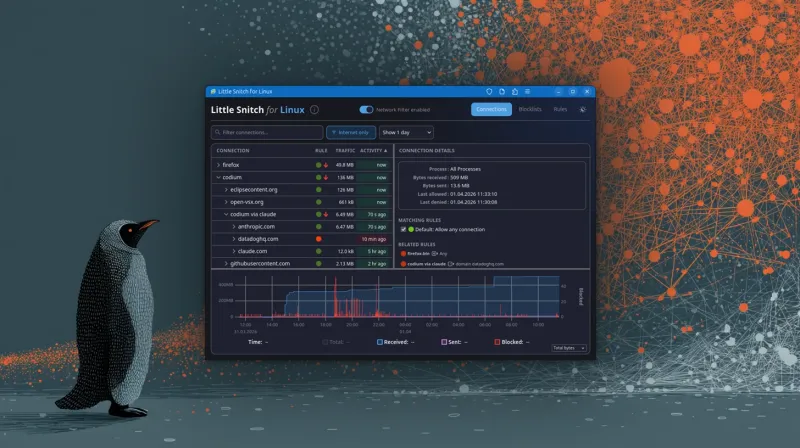
For Linux users seeking granular control over their desktop's network activity, tools offering per-process monitoring of outbound connections have historically been limited. While command-line utilities like netstat or ss exist, they lack the intuitive, real-time interface desired for privacy-conscious desktop use. This gap has been addressed by OpenSnitch, a free and open-source application firewall inspired by the macOS tool Little Snitch.
OpenSnitch operates by intercepting connection attempts made by applications using the netfilter queue library (libnetfilter_queue). When a process tries to connect to the internet, OpenSnitch pops up a dialog box asking the user to allow or deny the connection, with options to create a rule for future instances. It provides detailed information about the process, including its PID, command line, user, destination IP, and port.
The project, initiated by Gustavo Iñiguez Goya, is actively developed on GitHub. Unlike some simpler network monitors, OpenSnitch is designed as a long-running daemon (opensnitchd) with a GUI (opensnitch-ui) for rule management. This allows for persistent rules that survive reboots, giving users ongoing control over which applications can phone home or access external servers.
While powerful, OpenSnitch requires careful configuration, as denying essential system connections can break functionality. It is recognized as a valuable tool for enhancing privacy, detecting unwanted background traffic, and understanding the network behavior of software on Linux desktops, filling a niche previously occupied by more complex enterprise security software.