Changing your IP address can enhance privacy, bypass geo-restrictions, or troubleshoot network issues. As of May 2026, the most reliable methods include using a VPN, a proxy server, or resetting your router. Each method has distinct advantages and limitations.
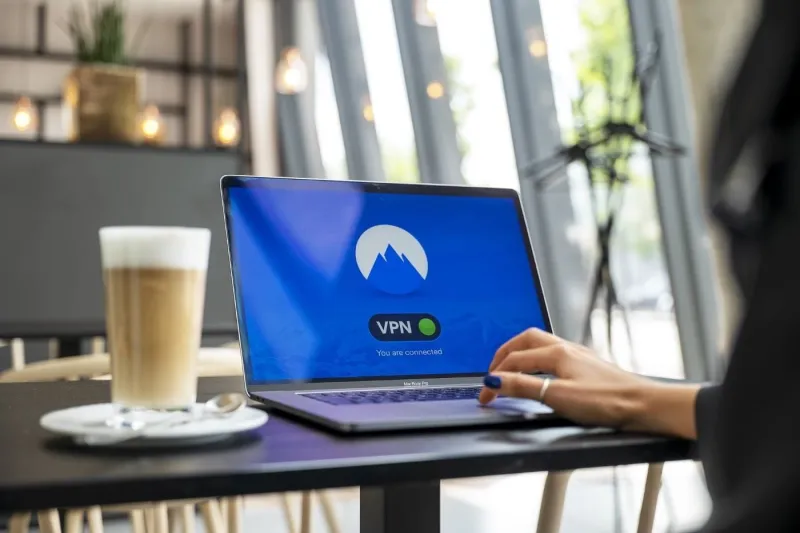
A VPN (Virtual Private Network) is the most secure option. It encrypts your traffic and assigns a new IP from a server in a location of your choice. Reputable providers like NordVPN or ExpressVPN offer thousands of servers worldwide. Ensure you choose a no-logs VPN for maximum privacy.
Proxy servers, such as those from Smartproxy or Oxylabs, are simpler but less secure. They route your traffic through an intermediary server, changing your IP without encryption. This is suitable for basic tasks like accessing region-locked content but not for sensitive data.
Resetting your router can assign a new dynamic IP from your ISP. Simply unplug the router for 5-10 minutes, then reconnect. This works only if your ISP uses dynamic IPs, which is common for residential connections. For static IPs, contact your ISP directly.
Always verify your new IP using websites like WhatIsMyIP.com. Avoid free VPNs or proxies, as they may log data or contain malware. For legal compliance, ensure your activities respect local laws.